Choose All-stop
For Hongdae, take AREX All-stop to Hongik University station, A03. Express goes non-stop to Seoul Station and skips Hongik University, so it creates an unnecessary backtrack for this route.
- Save your hotel's exact entrance and Korean address before leaving airport Wi-Fi. A Hongdae-area hotel may be nearer another station.
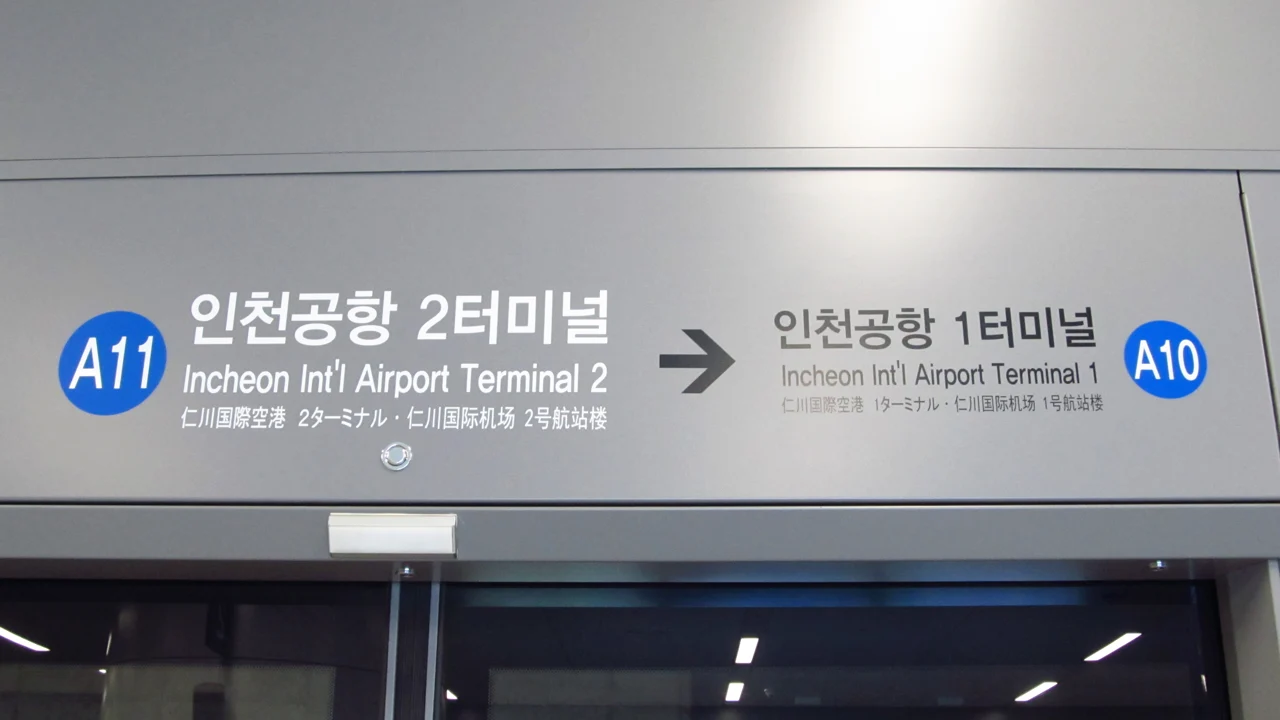
- Start from your actual arrival terminal: Terminal 1 and Terminal 2 have different railway stations. Allow for immigration, baggage and the walk before choosing a departure.
Find the railway
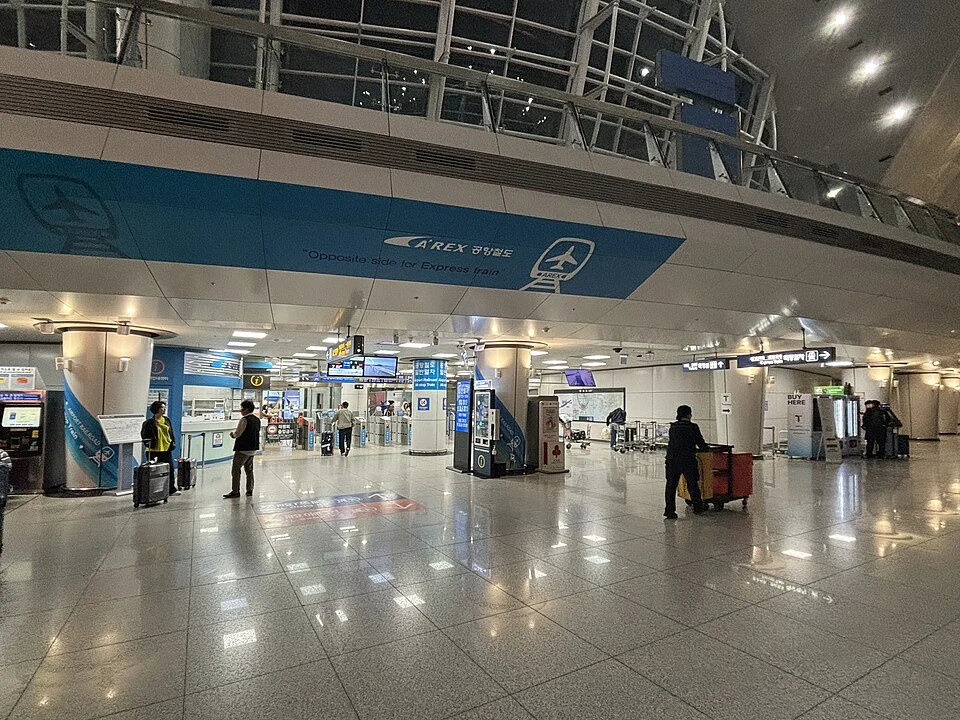
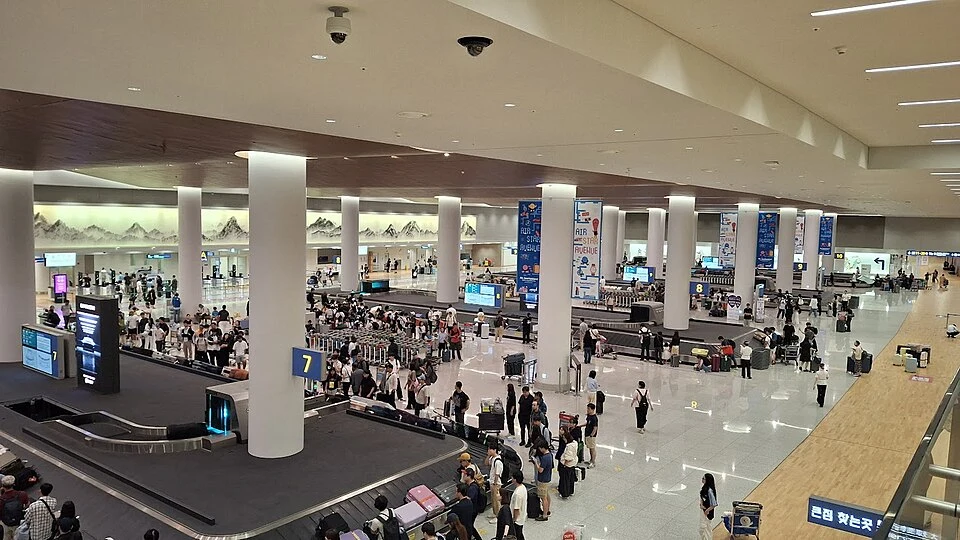
After customs, follow Airport Railroad / AREX signs toward the transportation centre at B1. Look specifically for All-stop Train, not the separate Express ticketing area.
- Use the terminal map for your own building; do not walk to another terminal just because a photograph looks different.
- At a junction, check both the AREX symbol and service name. An Express reseller QR is not an All-stop fare card.
Prepare a card
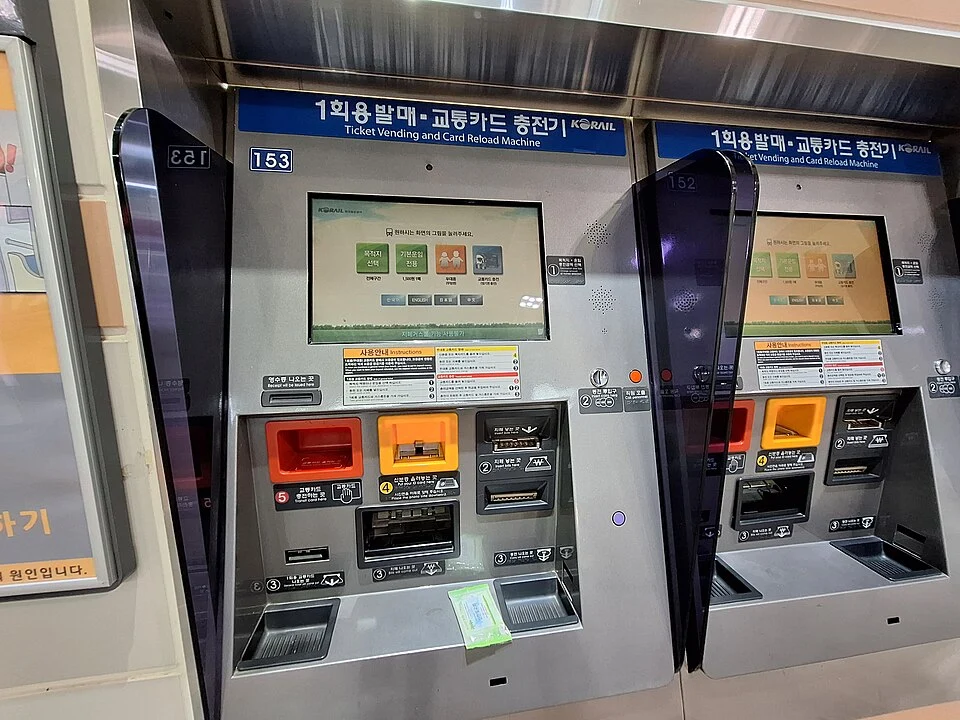
Use a supported transit card with enough balance, or buy a single-journey ticket with Hongik University as the destination. All-stop does not require a reserved seat.
- Card purchase price and travel balance are separate. Check your balance before the gate and the current machine's accepted payment; carry won as a backup.
- For the linked Tmoney product, select card-only or balance-included carefully and check the collection terminal, counter and hours. Airport pickup is useful before this journey, not after you have already reached Hongdae.
- If a counter is closed, compare local card purchase or a station ticket instead. Do not buy an Express ticket simply because it is the first online result.
Board for Seoul
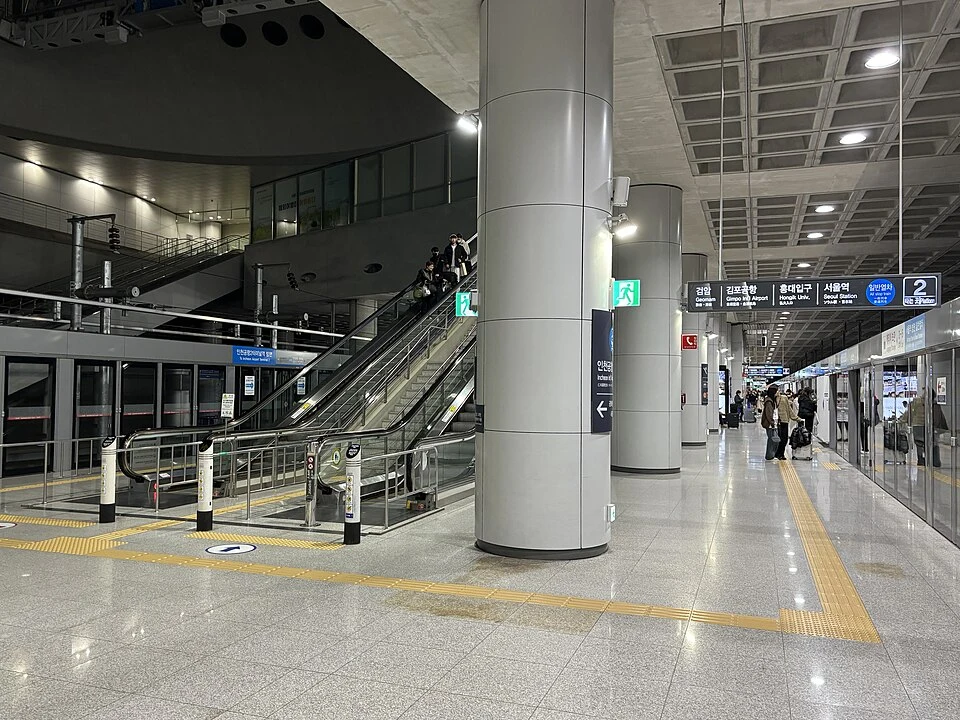
At the All-stop platform, confirm a Seoul Station-bound service whose stopping list includes Hongik University. Stay on until A03; there is no need to change at Seoul Station.
- Keep the same fare card throughout. Listen for Hongik University and compare the display with A03 before getting off.
- Keep luggage within reach and doors clear. All-stop seats are not assigned, so buying a fare does not guarantee that you will sit together.
Choose your exit
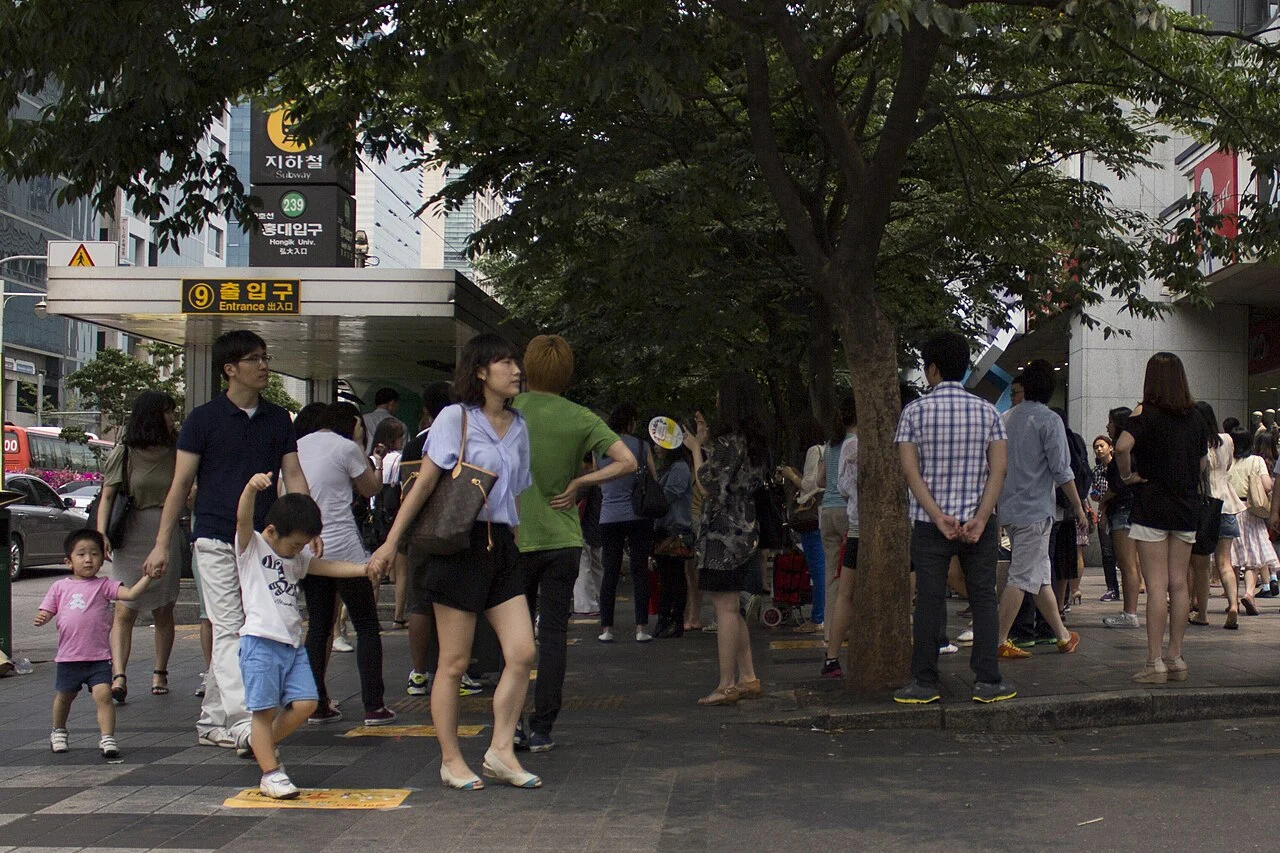
After alighting, follow the exit numbers toward your saved hotel entrance. Exit 9 is a reference for the Hongik University and shopping-street side, not a universal hotel exit.
- The university's official directions use Exit 9 for its main-campus approach. The AREX platform and Line 2 side are spread across the station, so allow for the connecting walk.
- For large bags, follow lift symbols and the current station map rather than choosing stairs because they look shorter. Tap out using the same fare card.
- The exit photograph is a location reference; use today's signs for closures and lift availability. Check the hotel entrance again after reaching the street.
Return to the airport
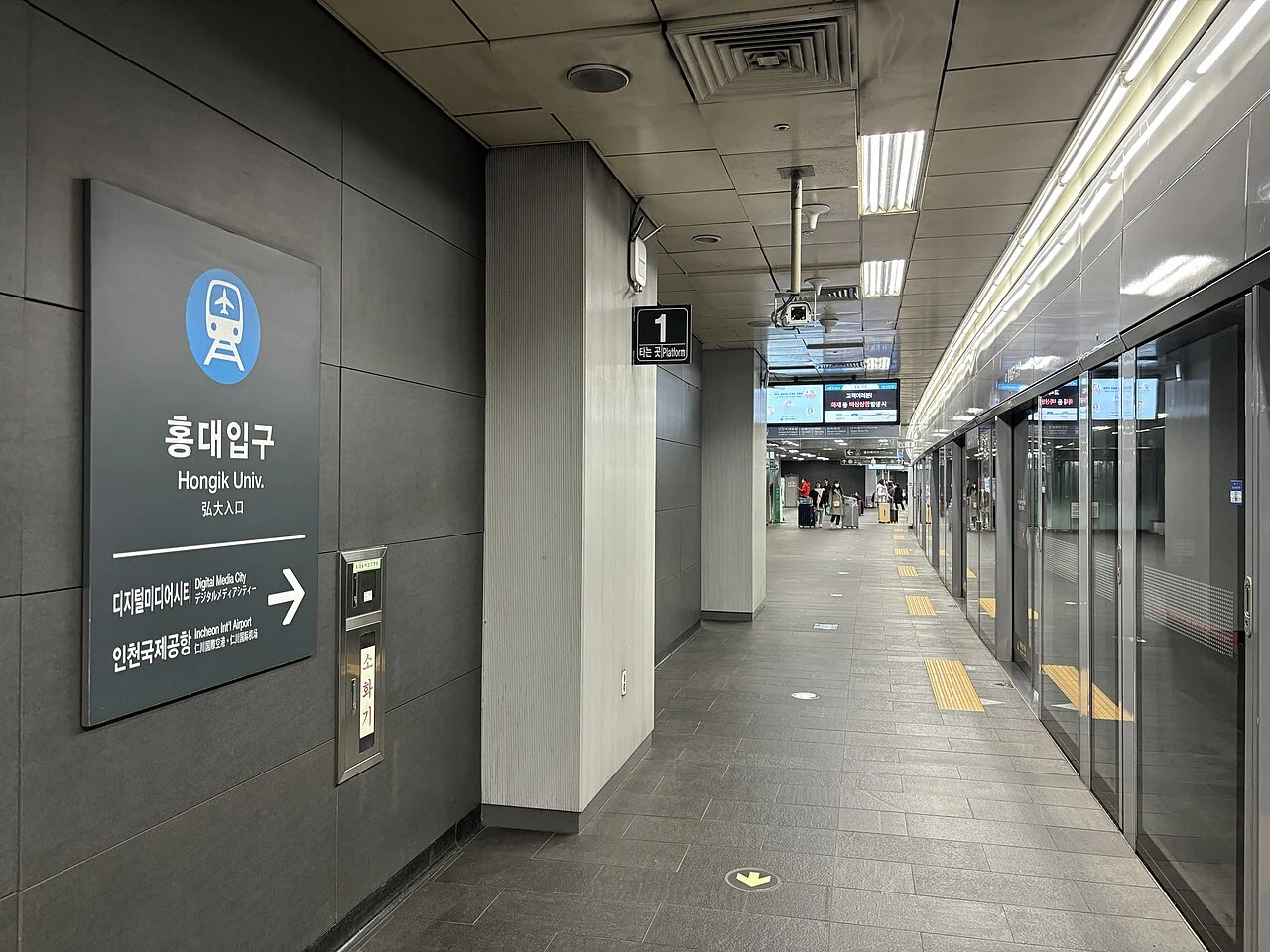
Back at Hongik University, follow AREX and confirm an airport-bound All-stop train that reaches your flight's terminal. Some services terminate earlier, so the train destination matters.
- Terminal 1 and Terminal 2 are different stops. Confirm the airline terminal from your booking before entering the station.
- Check the correct day's first or last service in the official timetable, including the train's final destination. Add check-in, security and station walking separately.
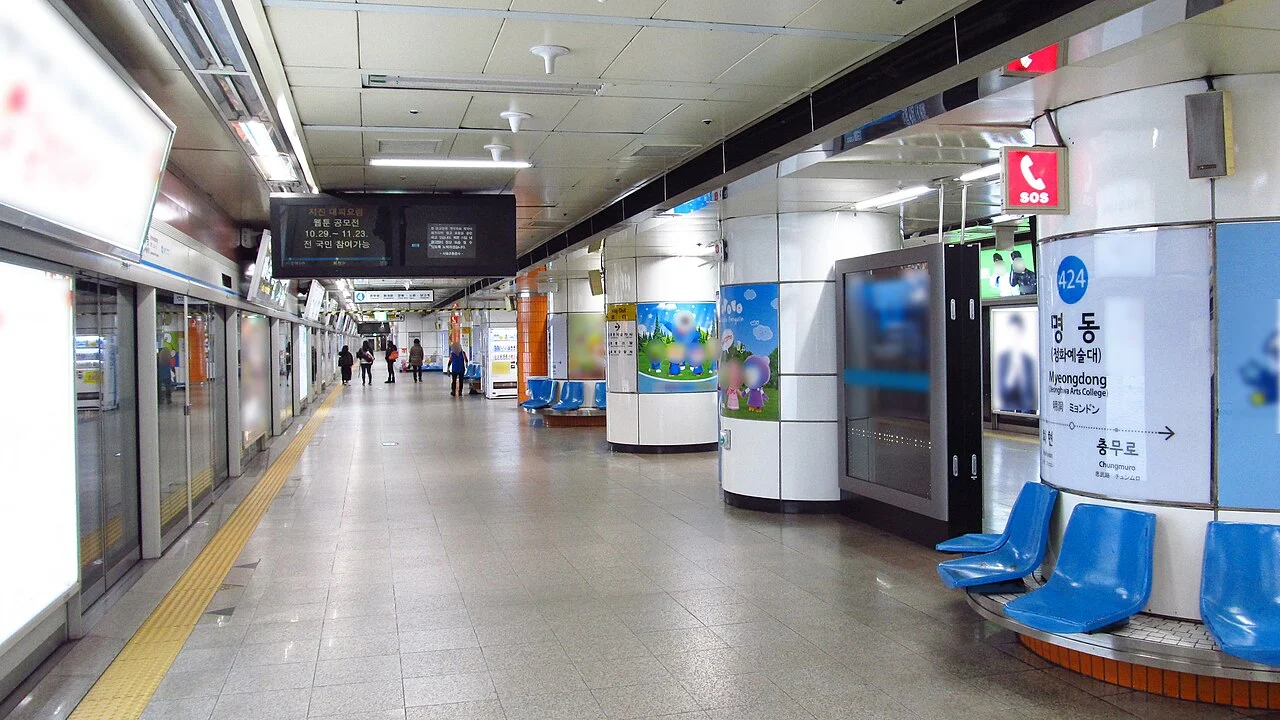
- The Hongik platform photograph shows the airport-bound side; do not use it to choose the platform on your arrival journey.
Sources & photo credits
- Official reference · www.airportrailroad.com ↗
- Official reference · www.airportrailroad.com · 2 ↗
- Official reference · ee.hongik.ac.kr · 3 ↗
- Klook package details and conditions ↗
Photo credits
Photos are resized and converted to WebP. Archival images illustrate signs and spaces; they do not show current service conditions.
- AREX Terminal 2 station sign — LERK · CC BY-SA 4.0
- All-stop Train entrance at Incheon Airport Terminal 1 — MNXANL · CC BY-SA 4.0
- Seoul subway ticket and reload machines — LandAndTree · CC BY 4.0
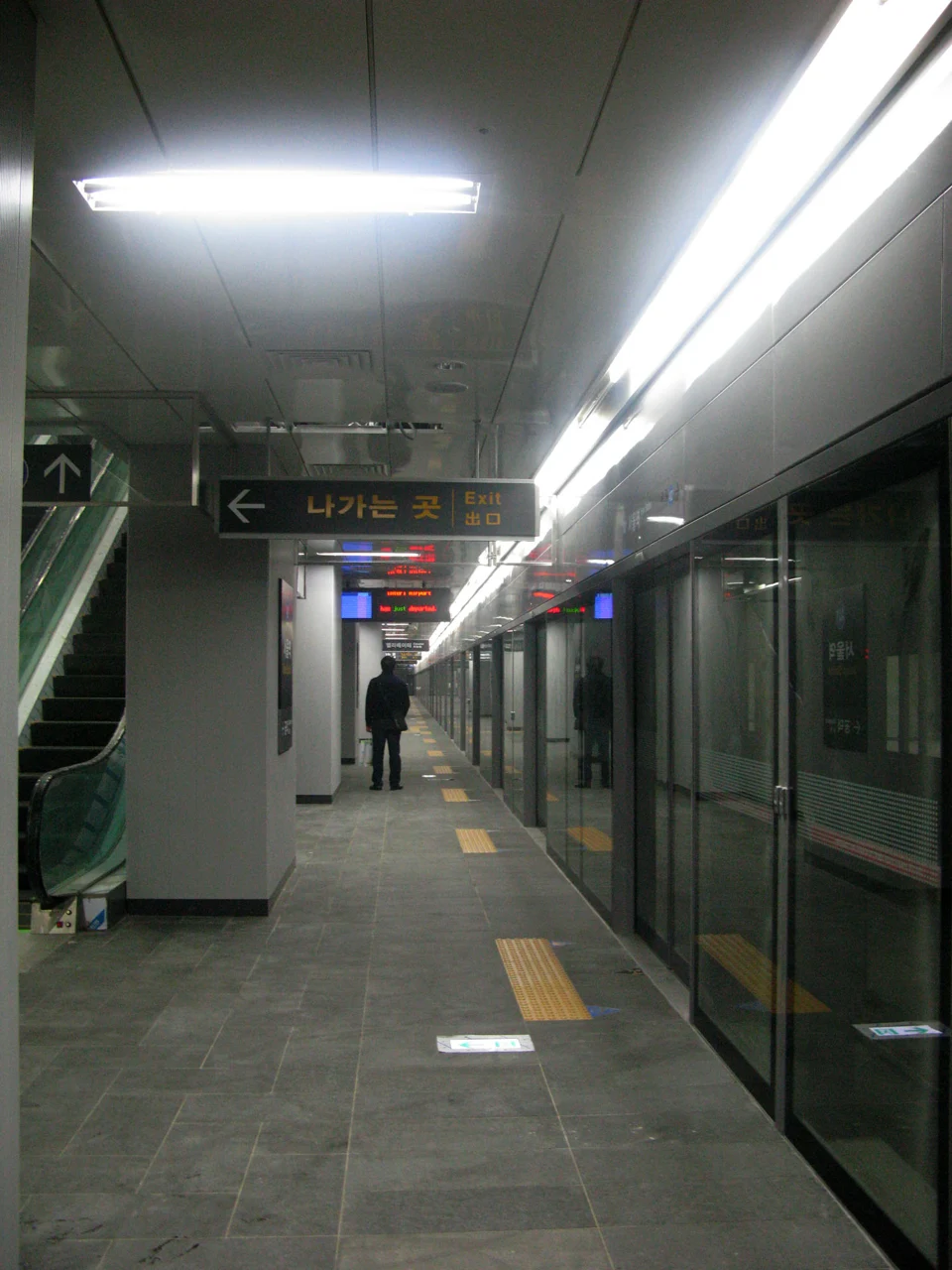
- All-stop platform at Incheon Airport Terminal 1 — MNXANL · CC BY-SA 4.0
- Hongik University station Exit 9 — Jonathan Kramer · CC BY-SA 3.0
- Airport-bound AREX platform at Hongik University — MNXANL · CC BY-SA 4.0