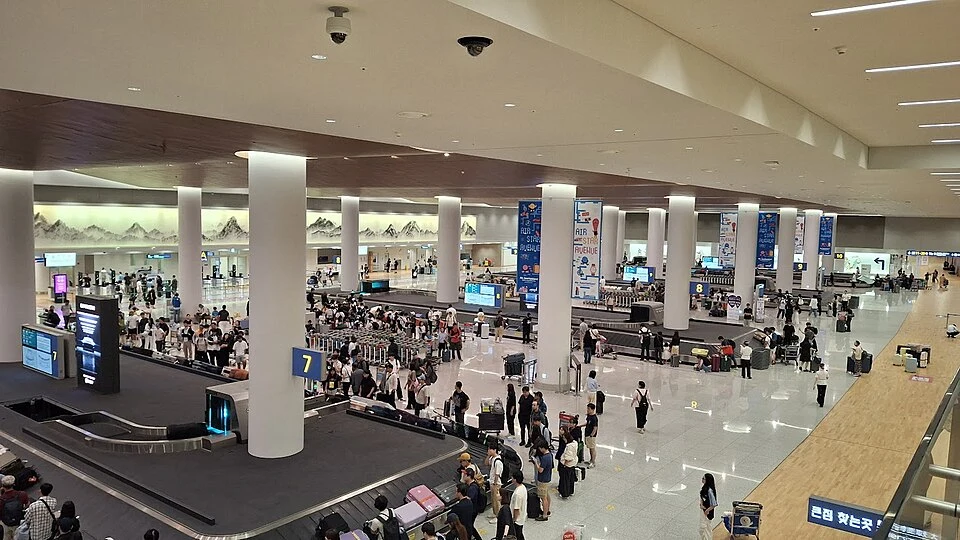
An editorial guide, not a firsthand trip report. Check current operating information before travelling.
Your route at a glance
- Save the route
- Prepare your fare card
- Check the next station
- Tap in and tap out
Route & exit
Before leaving Wi-Fi, save your destination station, line number, transfer station and hotel address in Korean. Use a route planner to check the correct station exit, not just the station name.
Planning example
- A short example is Line 4 Seoul Station → Hoehyeon → Myeongdong. At Seoul Station, confirm Hoehyeon as the next station; a train whose next station is Sookmyung Women’s University goes the other way.
- Tap in at Seoul Station, stay on Line 4 for two stops and tap out at Myeongdong with the same card. Only then follow your hotel’s exit number; this example needs no line transfer.
Fare card
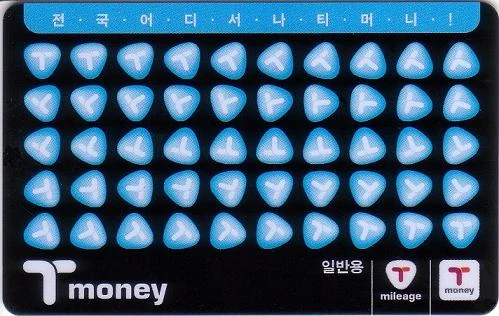
A physical Tmoney card is one option; the photo is an example design, not a required model. Buying the card and adding travel balance are separate, and child or youth fares need the appropriate registration.
Reload
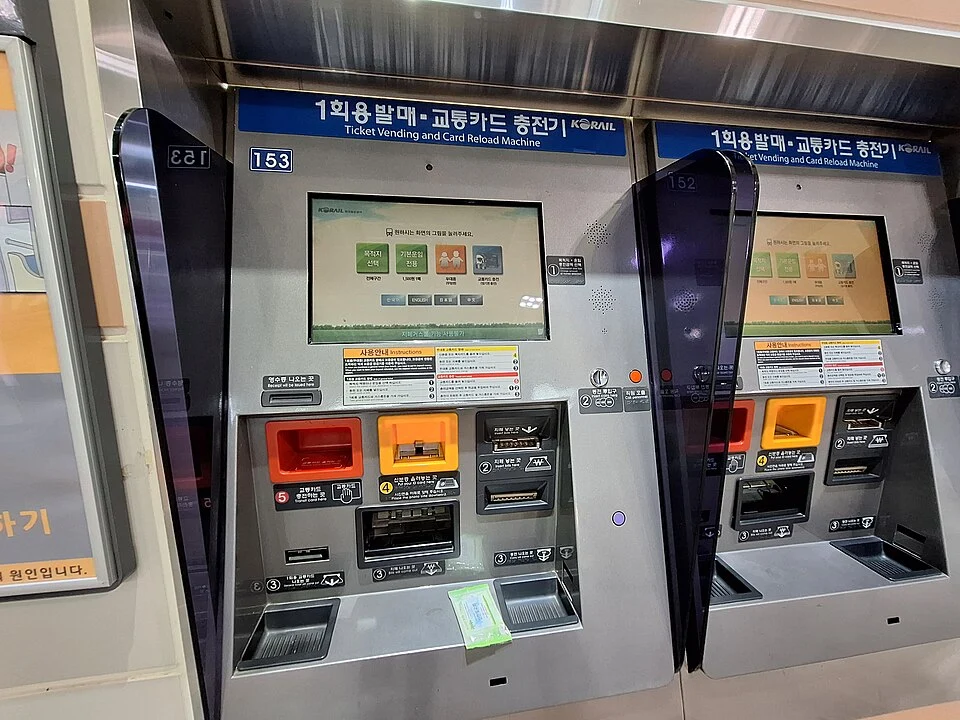
At a supported reload machine, select your language and follow the screen to read the card, add the amount and confirm completion. Payment methods vary by machine; keep the card in place until the display confirms the new balance.
Tap in
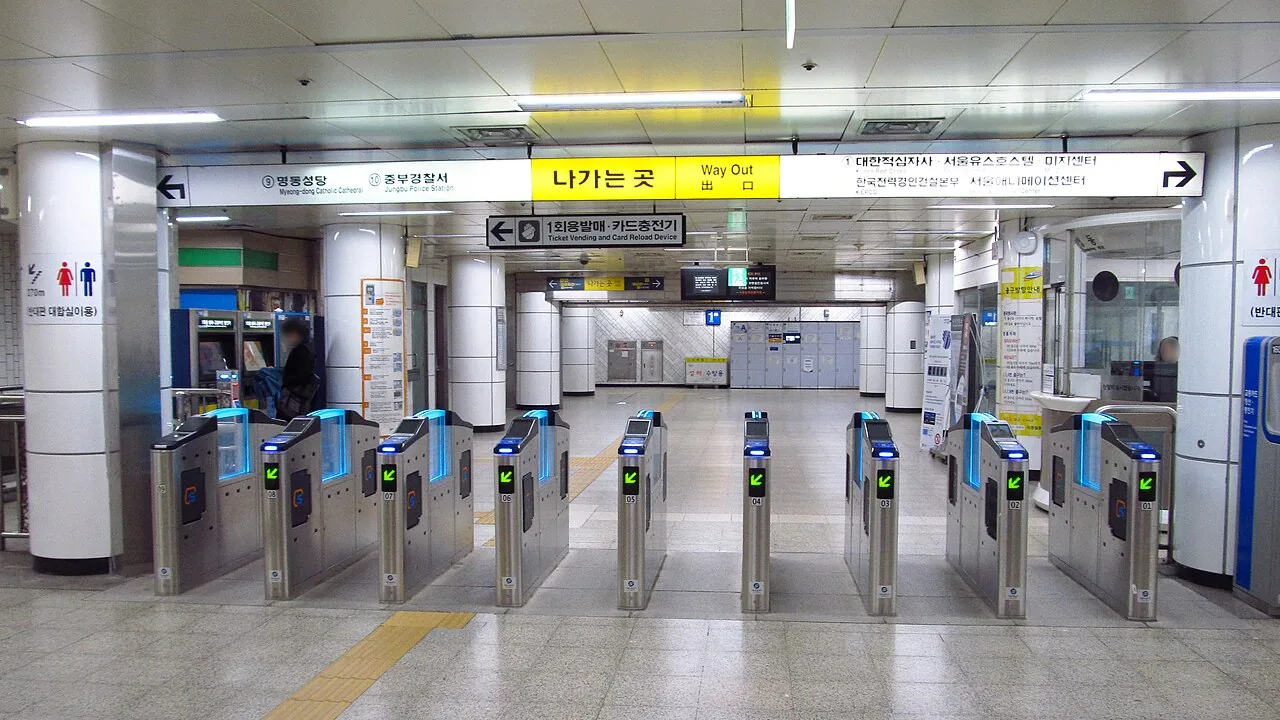
Take the card out of a wallet containing other contactless cards and tap the indicated reader. Check the gate’s response and balance; if it rejects the card, ask staff before retrying or buying a replacement.
Direction
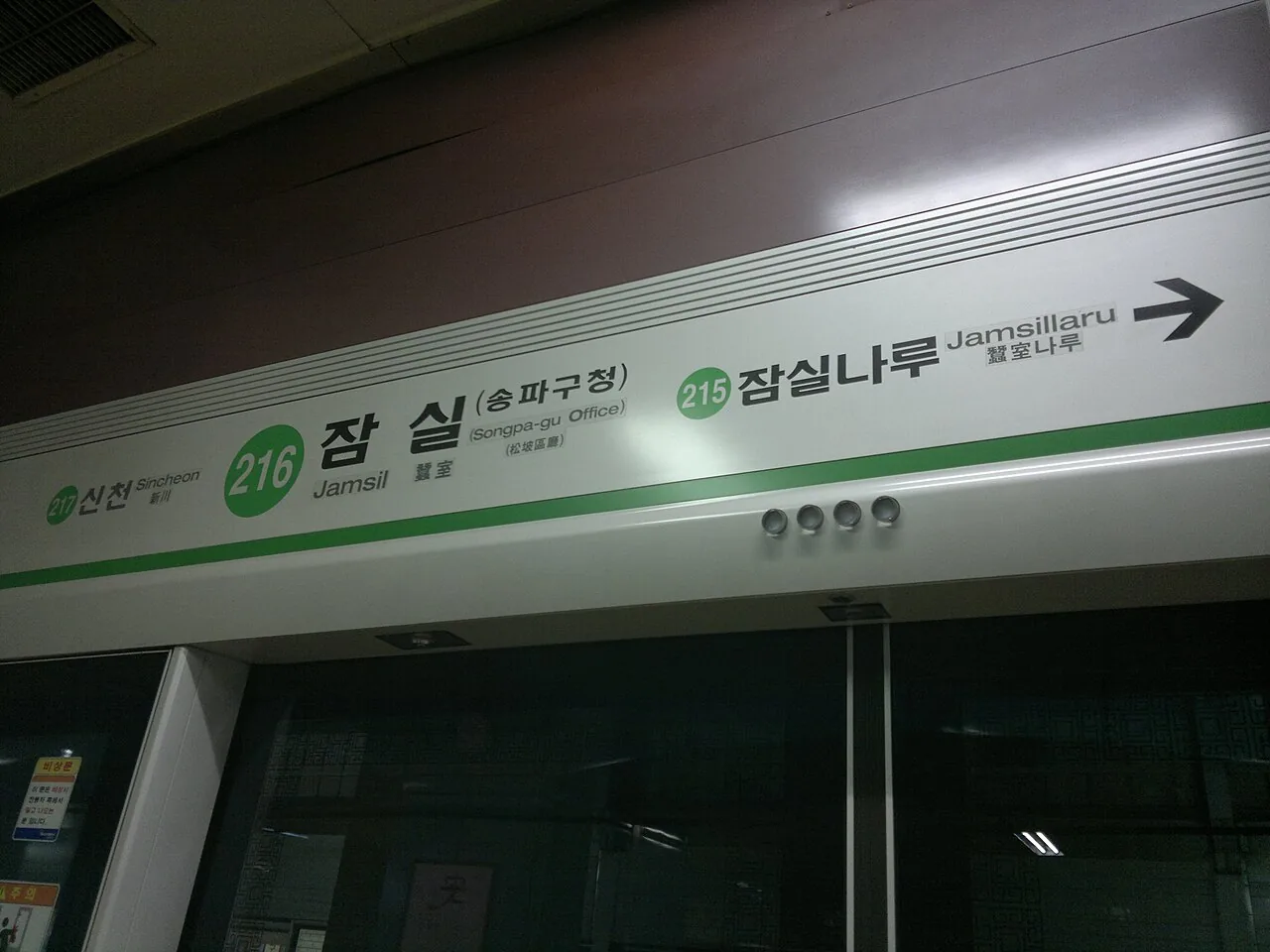
Compare the platform’s next station and direction with your saved route; line colour alone is not enough. A branch or express service may have a different stopping pattern, so check the train display too.
Transfers
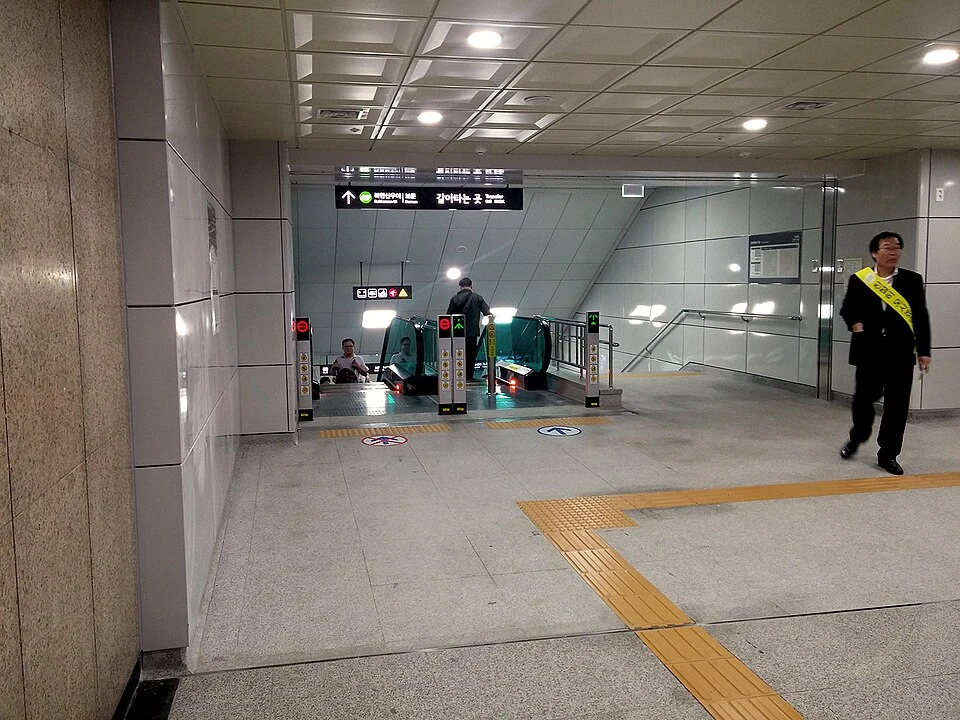
Follow the line number and arrows for your connection rather than an exit sign. This photo shows a Sinseol-dong transfer passage; some routes have transfer gates or extra fares, so follow the local instructions.
Tap out & exit
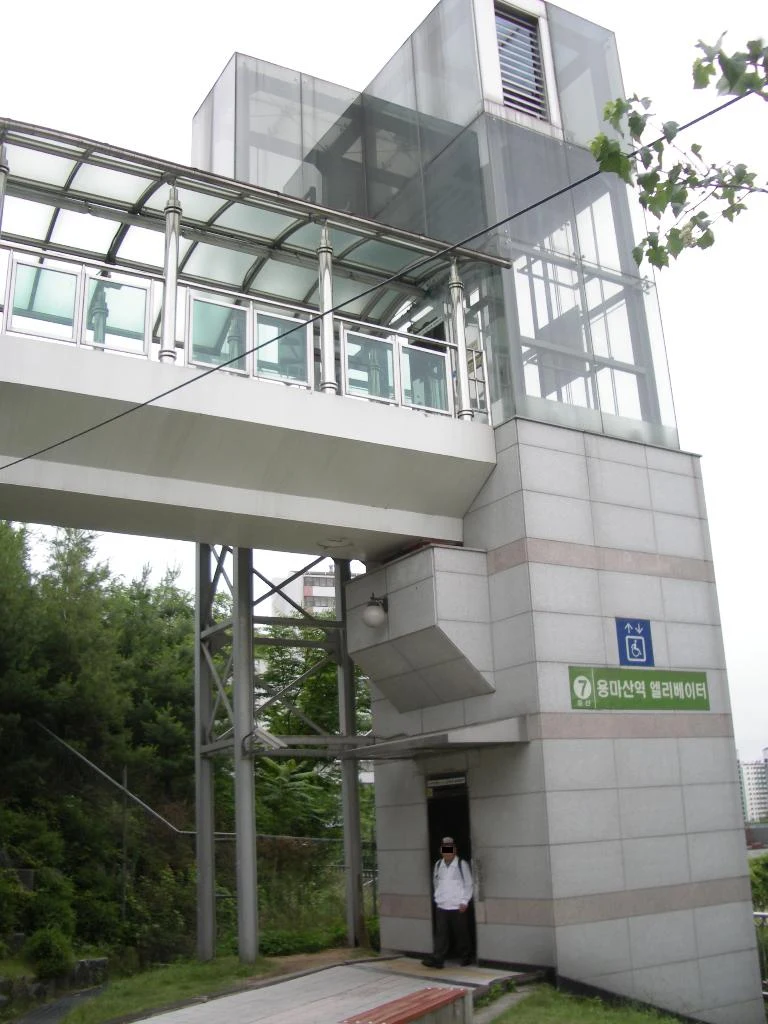
Use the same card at the destination gate, then check the exit number for your hotel. With luggage, follow lift symbols; the photo is a Yongmasan example, and the lift may be separate from your numbered stair exit.
Wrong train & last train
Get off at a safe station and recheck your route; do not cross tracks or assume the opposite platform connects inside the gates. Check the last train to your actual destination, including any final transfer, before a late journey.
Sources & photo credits
Photo credits
Photos are resized and converted to WebP. Archival images illustrate signs and spaces; they do not show current service conditions.
- Seoul Subway Jamsil Station Line 2 Platform Direction Info.jpg — 阿貴 · CC BY-SA 3.0
- Example of a physical Tmoney card — zisk
- Seoul subway ticket and reload machines — LandAndTree · CC BY 4.0
- Seoul-metro-424-Myeongdong-station-gate-20181124-081950.jpg — LERK · CC BY-SA 4.0
- Seoul Subway Jamsil Station Line 2 Platform Direction Info.jpg — 阿貴 · CC BY-SA 3.0
- Transfer passage at Sinseol-dong station — Udonhan1992 · CC0
- Yongmasan station lift entrance example — Kaitak89 on kowp · CC BY-SA 3.0