An editorial guide, not a firsthand trip report. Check current operating information before travelling.
Station & line
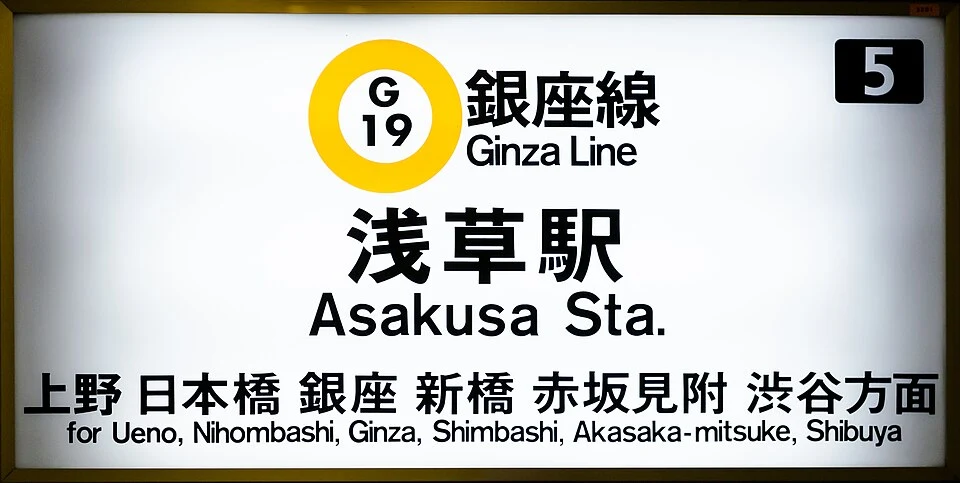
Save your destination station, hotel address and useful exit, then check whether the route uses Tokyo Metro, Toei, JR or another railway. At the entrance, match the station name and letter–number code, as in the Asakusa G19 photo.
Planning example
- A simple practice journey is Ginza Line Asakusa G19 → Tawaramachi G18 → Inaricho G17 → Ueno G16. At Asakusa, use the G Ginza Line entrance rather than the Toei Asakusa Line; confirm Tawaramachi as the next station toward Shibuya.
- Leave at Ueno G16 and find the exit for your destination. Equipment photos show several labelled example stations, not a continuous photographic record of this journey.
Tickets
Suica and PASMO pay fares from stored balance; Tokyo Subway Ticket is a timed pass for Tokyo Metro and Toei Subway. Check eligibility and coverage before buying: JR, every private railway and your airport journey are not automatically included.
Purchase & reload
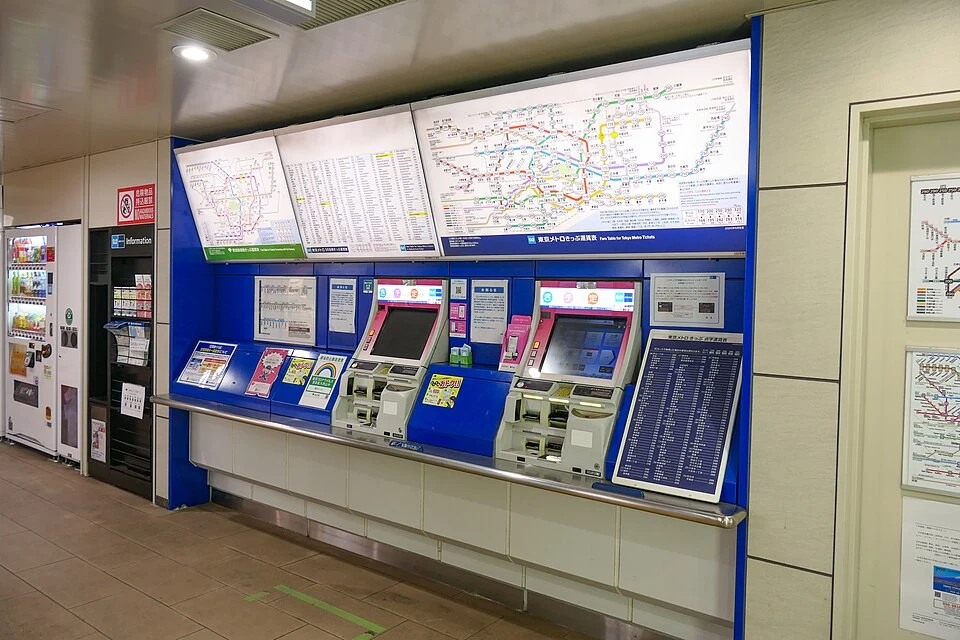
At a ticket machine, select a language, check the fare to your destination and buy the ordinary ticket. Collect the ticket and change, or wait for IC reload confirmation; the photo illustrates equipment, not a guaranteed current screen sequence.
Gates
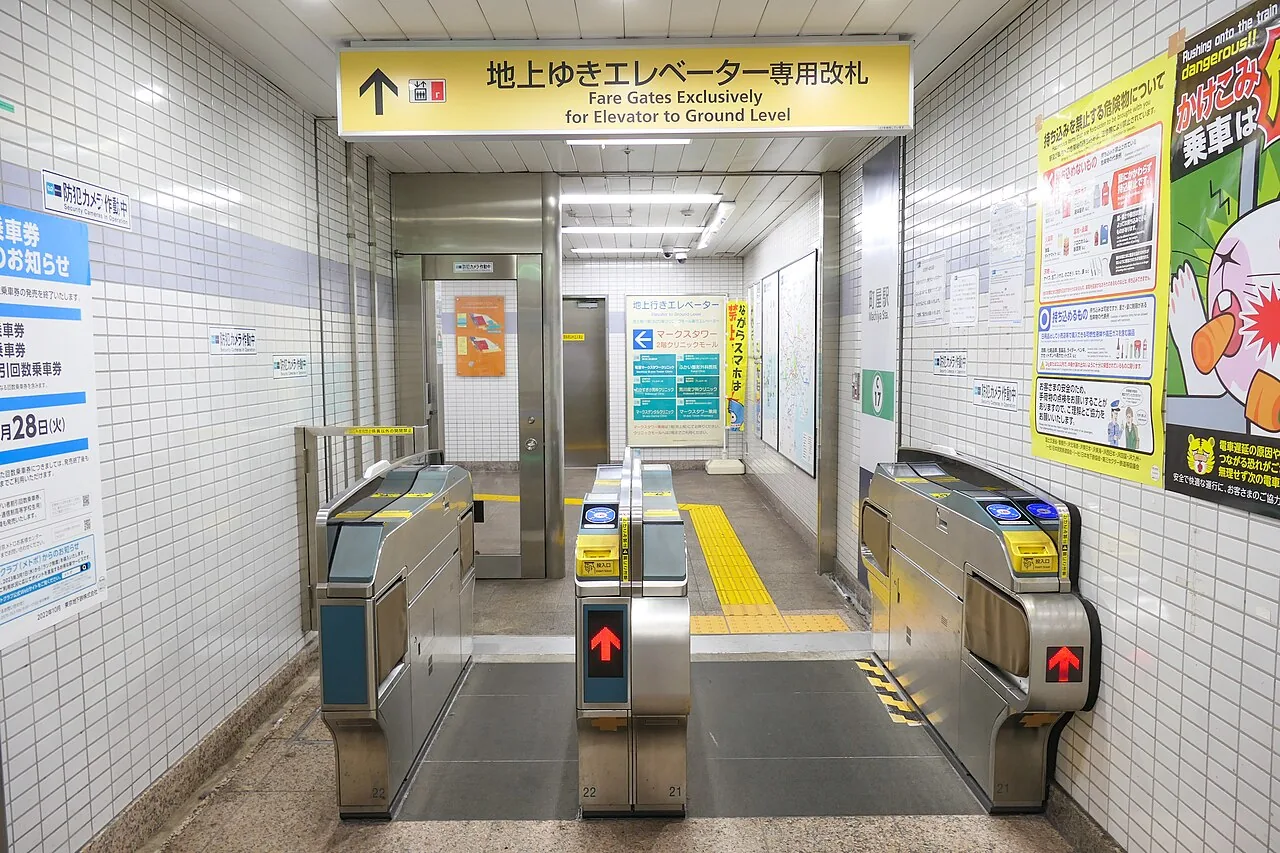
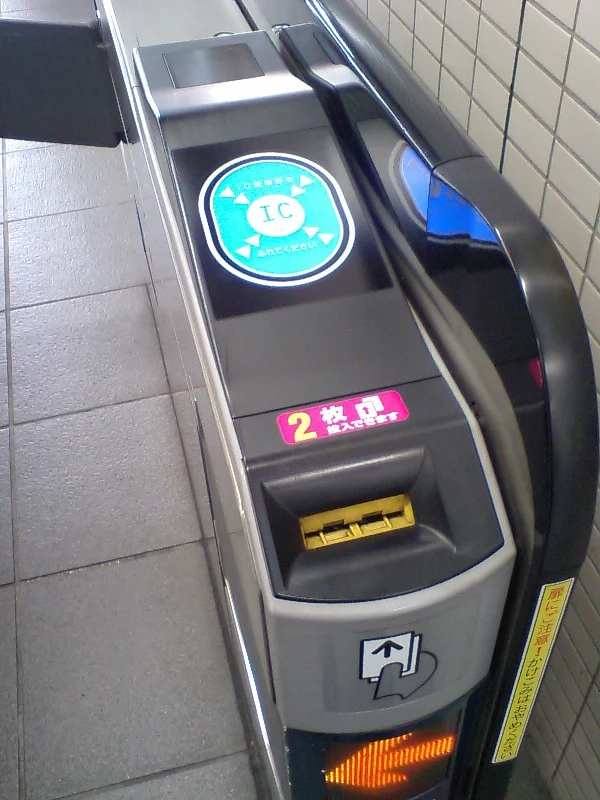
Insert a paper ticket into a compatible gate and collect it when returned on entry. Tap IC at the IC reader or use the designated reader for a QR ticket, and avoid an IC-only gate with a paper ticket.
Direction
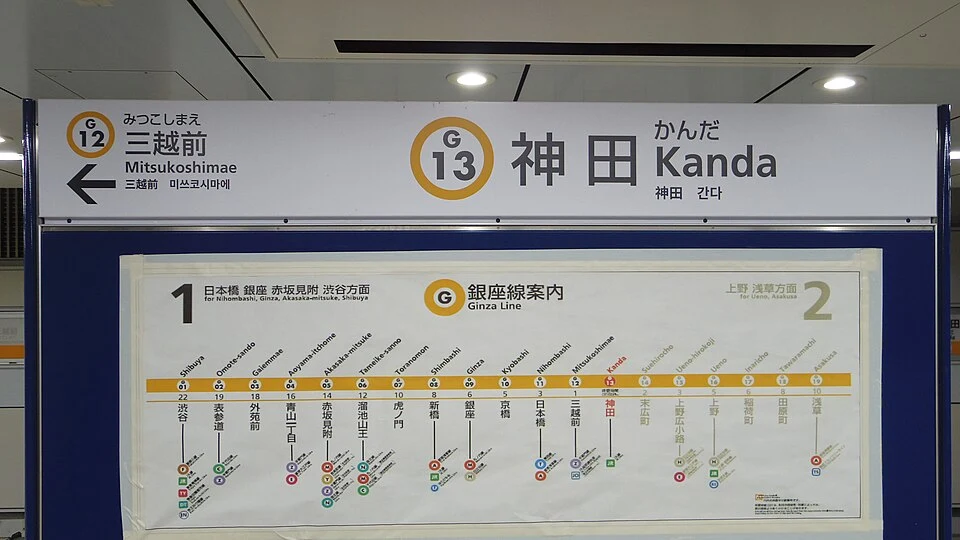
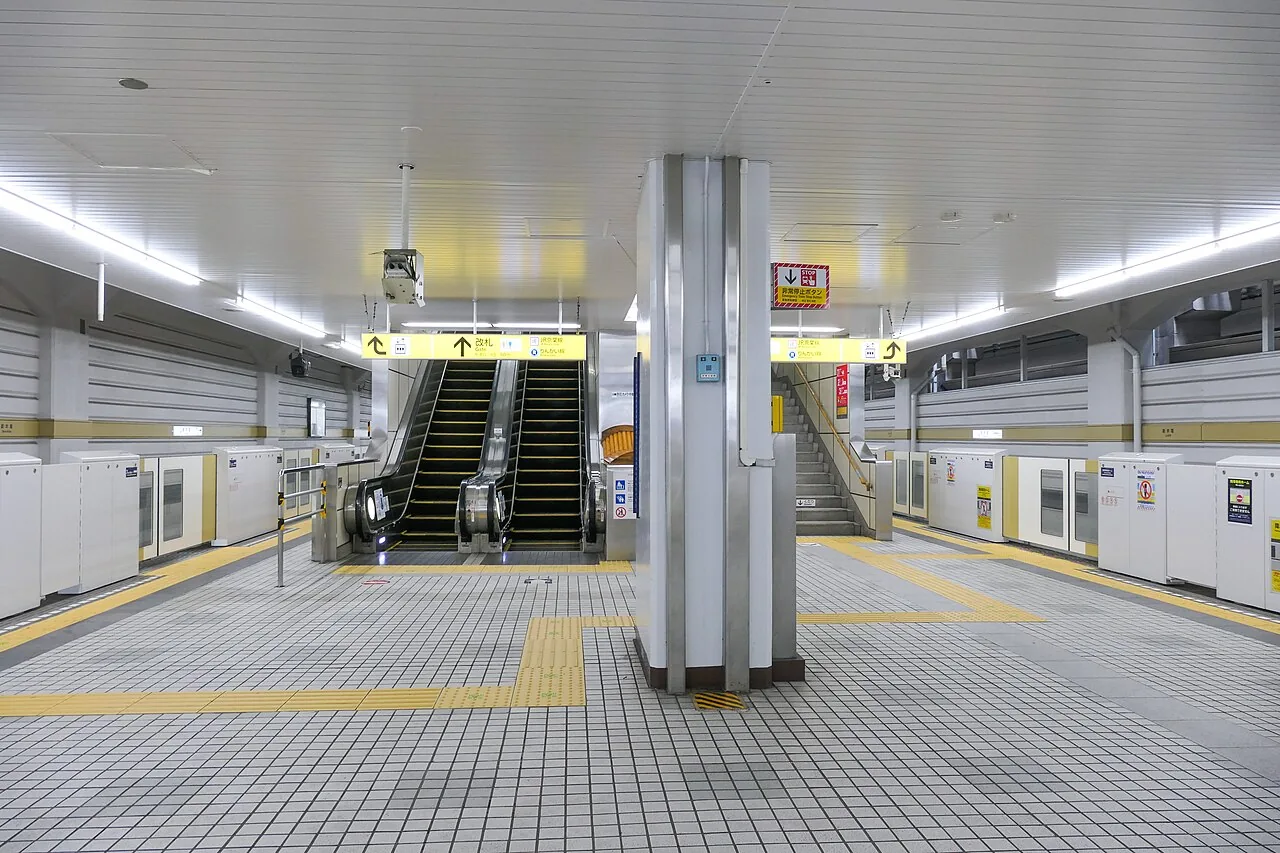
Use your current station and the neighbouring stations to choose direction, as illustrated by Kanda G13. At the platform, check the destination and stopping pattern again, and let passengers leave before boarding.
Transfers
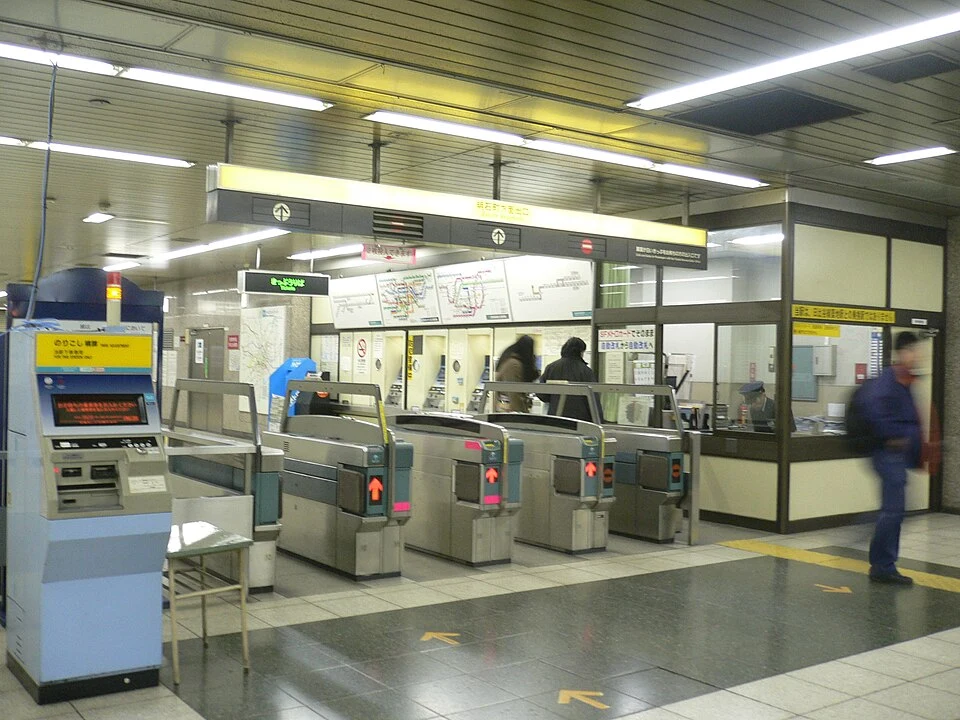
Follow the next line’s name and arrows rather than the exit signs. Some Tokyo Metro interchanges require leaving the gates; with a paper ticket, use the designated orange transfer gate, collect the returned ticket and complete the applicable transfer within 60 minutes.
Adjustment
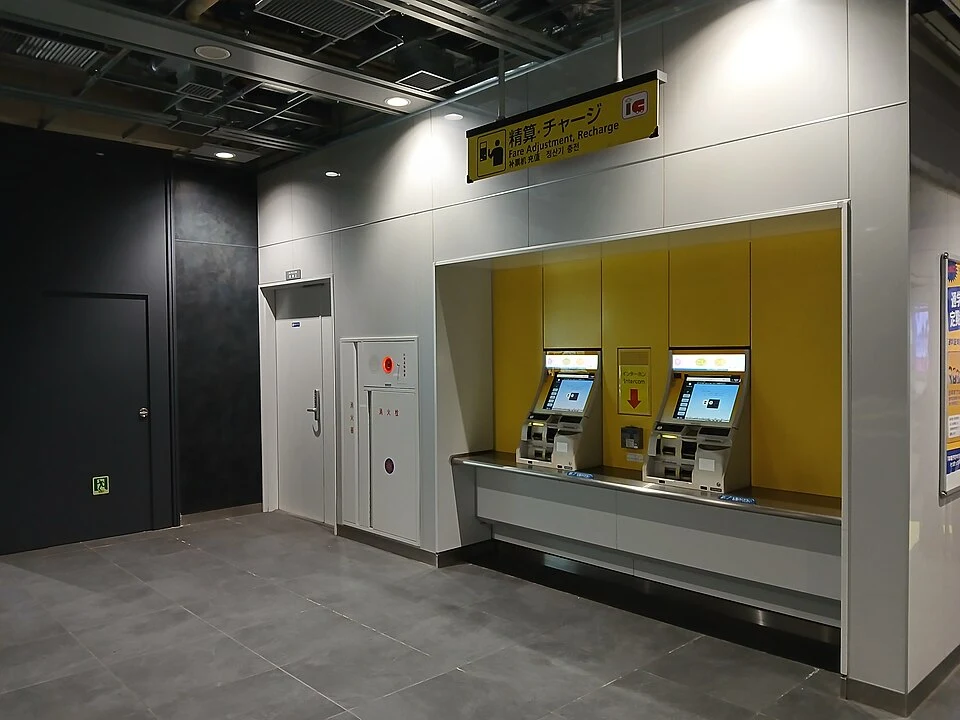
For an ordinary ticket with insufficient fare, check the difference at a Fare Adjustment machine near the exit. For IC balance or QR/pass errors, show your ticket or card to staff instead of forcing the gate or immediately buying another ticket.
Exits
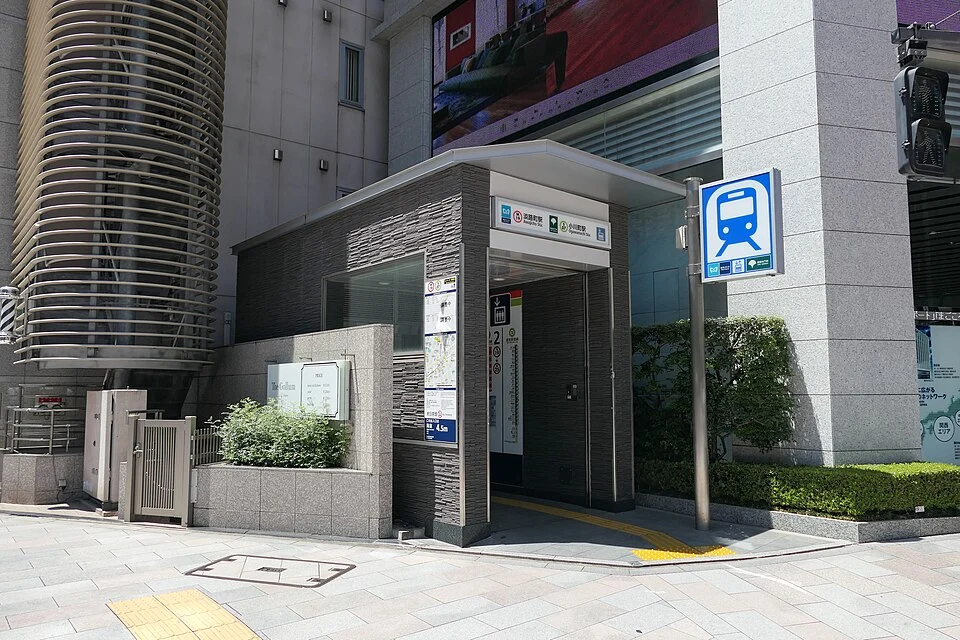
Check the destination-side exit on the station directory, then locate a lift if you have luggage. The photo shows Awajicho–Ogawamachi as an example; the lift entrance may differ from your numbered stair exit.
Last train
Before returning, check the last route that reaches your actual destination, including the final transfer and service notices. If you board in the wrong direction, get off safely and re-plan; airport routes may also need a separate ticket, reservation and extra luggage time.
Sources & photo credits
- Tokyo Metro — boarding guide ↗
- Tokyo Metro — transfer, adjustment and exits ↗
- Tokyo Metro — PASMO ↗
- Tokyo Metro — Tokyo Subway Ticket / QR ↗
Photo credits
Photos are resized and converted to WebP. Archival images illustrate signs and spaces; they do not show current service conditions.
- Asakusa G19 Ginza Line entrance sign — DXR · CC BY-SA 3.0
- Ticket machines at Ueno-hirokoji — MaedaAkihiko · CC BY-SA 4.0
- Tokyo-Metro Machiya-STA Elevator-Gate.jpg — MaedaAkihiko · CC BY-SA 4.0
- Fare gate with IC reader and paper-ticket slot — Hossy
- Kanda G13 Ginza Line sign and neighbouring stations — LERK · CC BY-SA 4.0
- Tokyo-Metro-Shikiba-STA Platform 20210606 144036.jpg — MaedaAkihiko · CC BY-SA 4.0
- Fare gates at Shintomicho station — Syohei Arai · CC BY-SA 4.0
- Fare adjustment machines on Tokyo Metro — Epicgenius · CC BY-SA 4.0
- Lift entrance at Awajicho–Ogawamachi — MaedaAkihiko · CC BY-SA 4.0


